★★★★★✓ Verified buyervia Google
Works for Me!
This is literally the simple journaling thing i needed. As of now I am following it and works magic.
This is literally the simple journaling thing i needed. As of now I am following it and works magic.
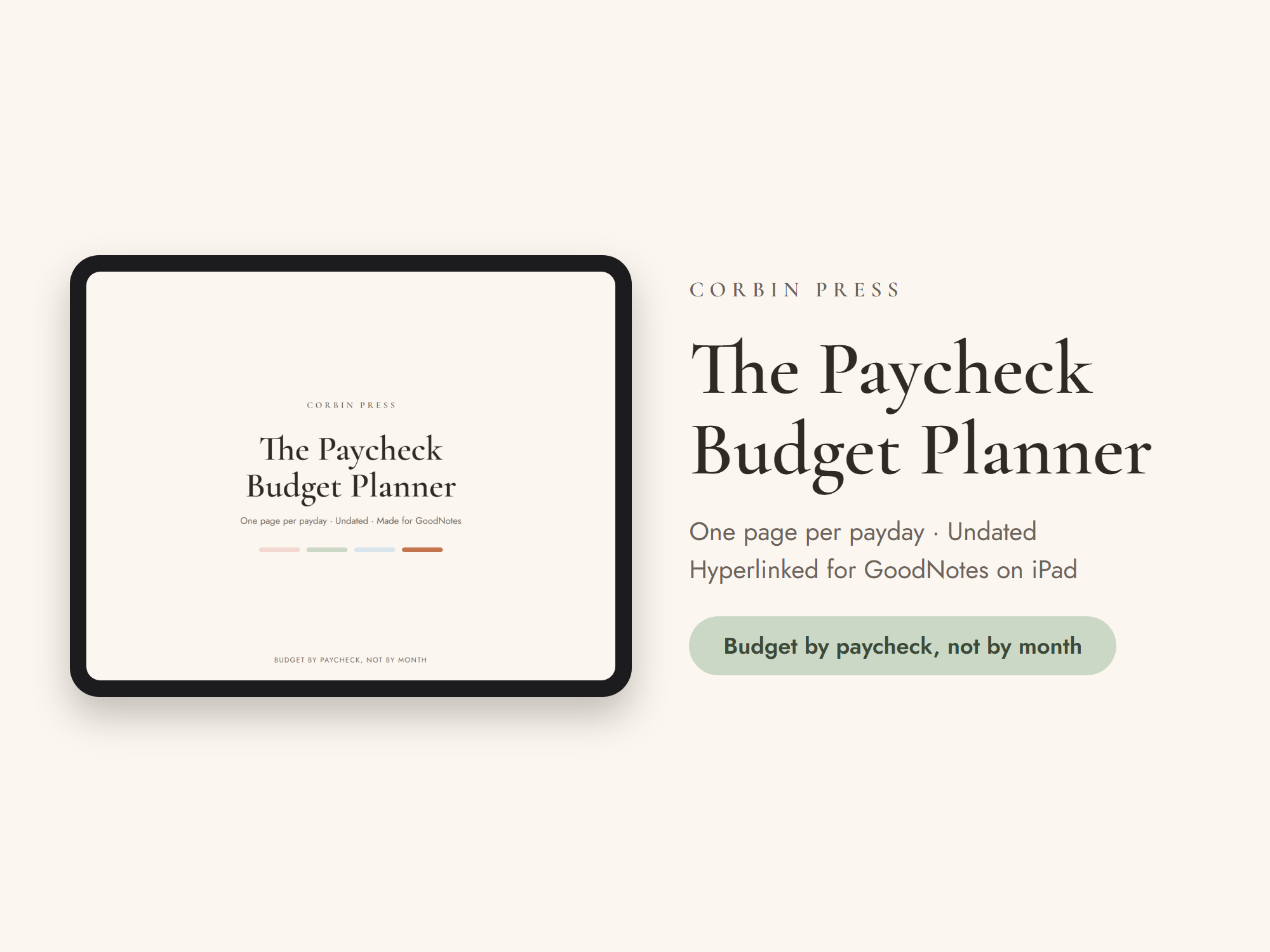
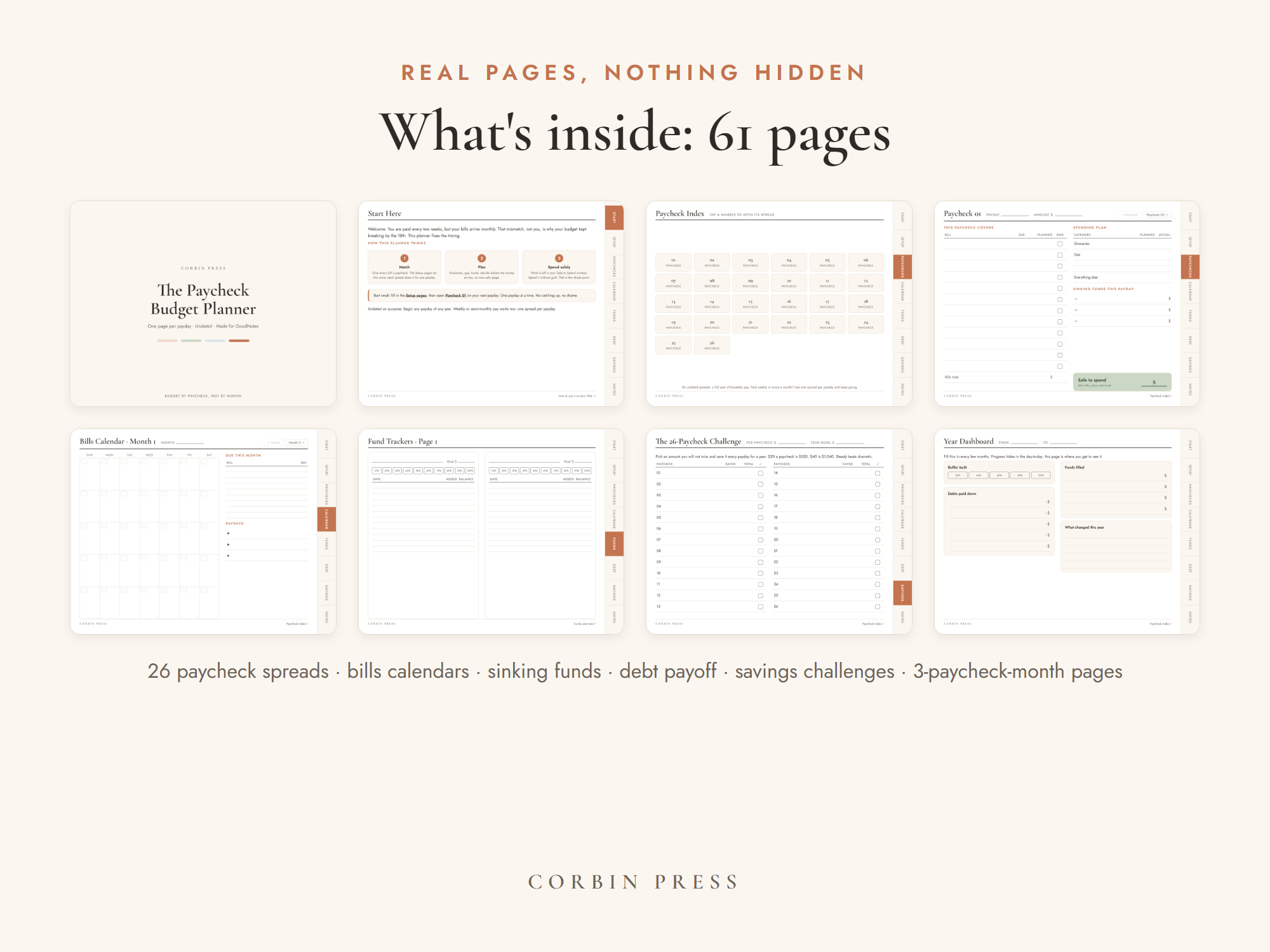
Budget the way you’re actually paid. One calm spread per payday, every bill matched to the paycheck that covers it, sinking funds that fill themselves, and a safe-to-spend number you can trust. Fully tap-linked, in any PDF app — or printed at home. Undated — starts whenever your next payday lands.
Your files + receipt land here the moment payment clears.
Guest checkout — no PayPal account needed · Instant download · Every delivery logged
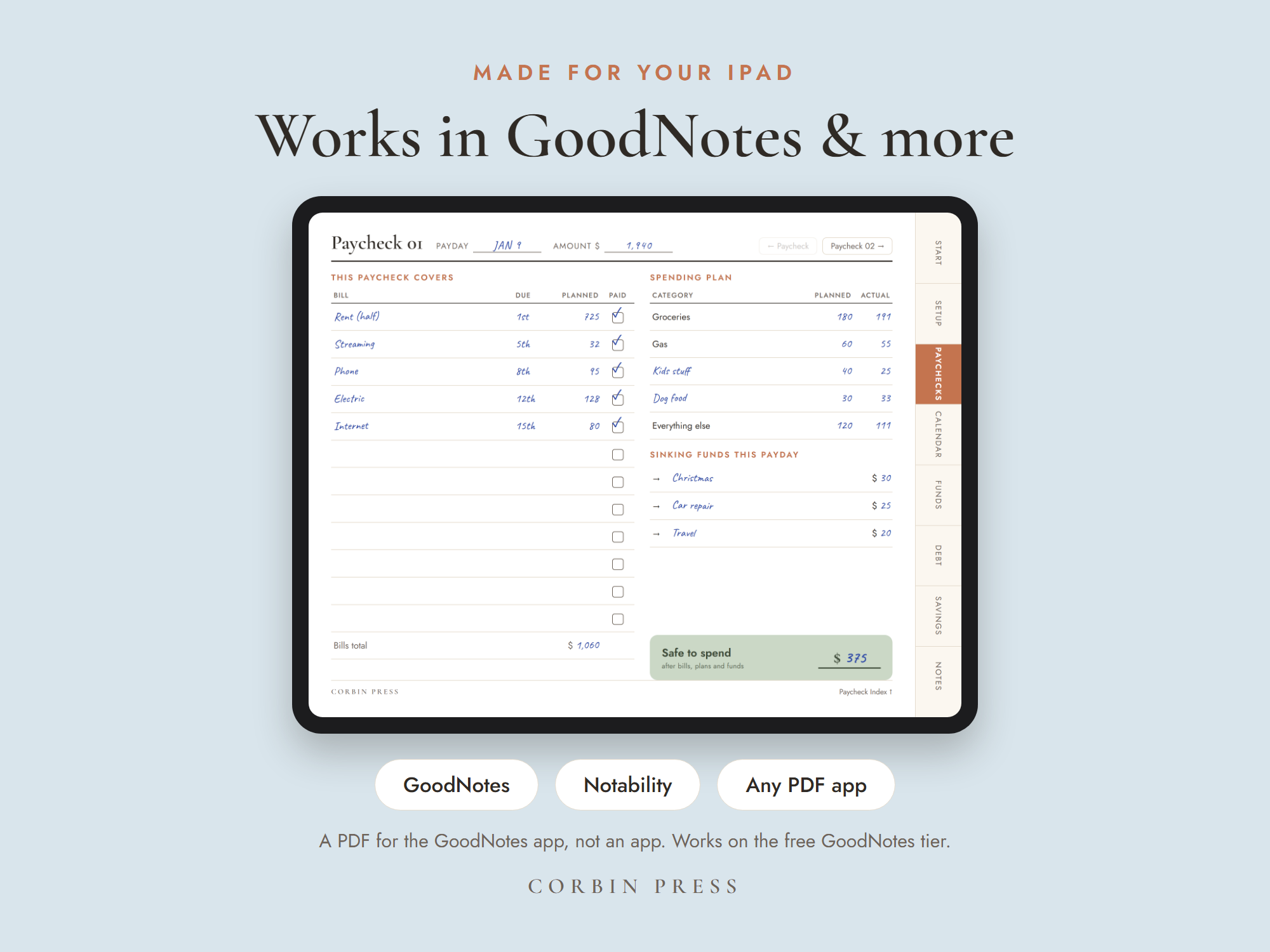
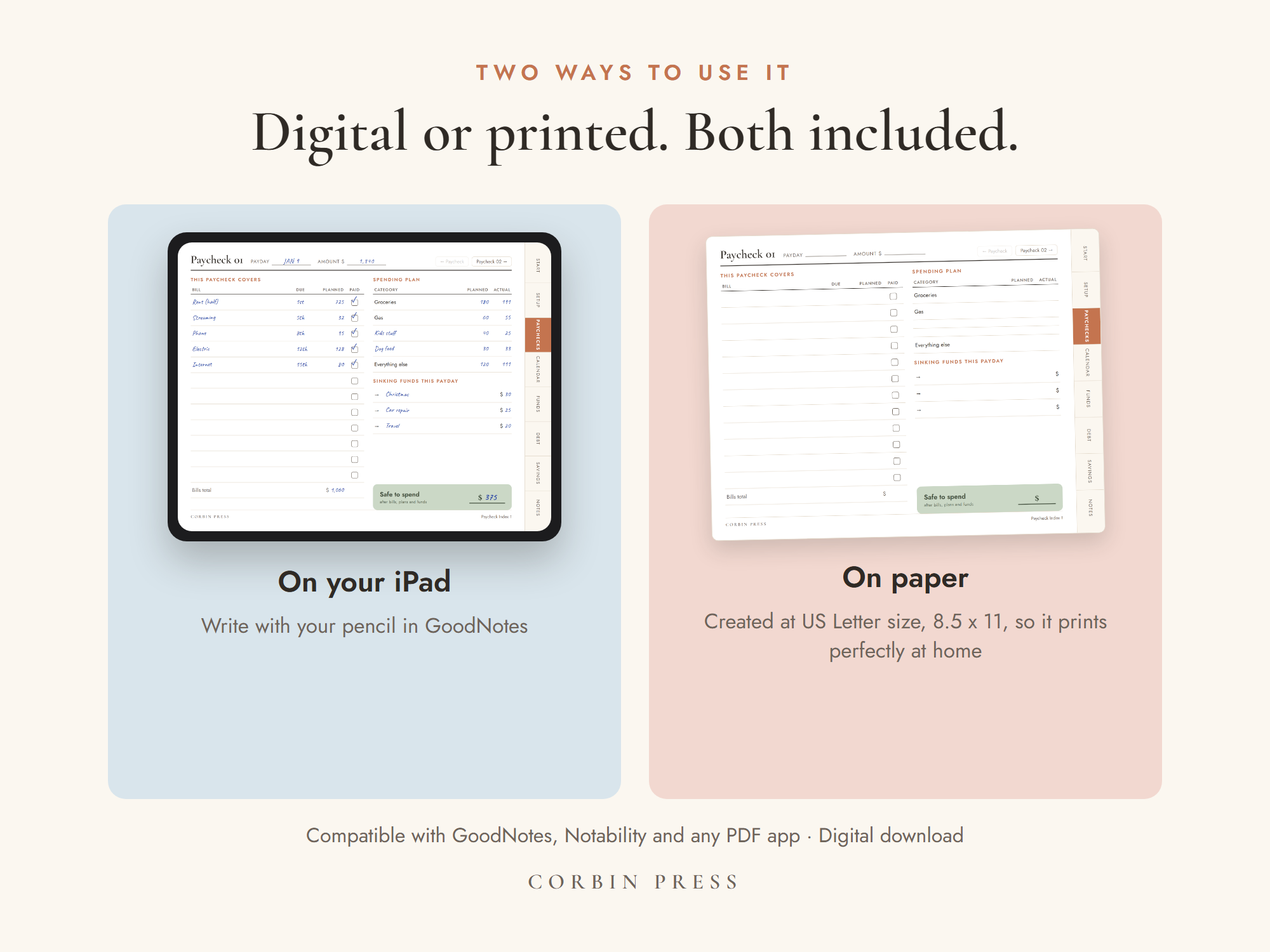
◐ Honest note: this is a PDF, not an app. It opens in the PDF app you already have — GoodNotes, Notability, Noteshelf, Xodo, even Files or Books — and it prints at home on standard US Letter, 8.5 × 11.
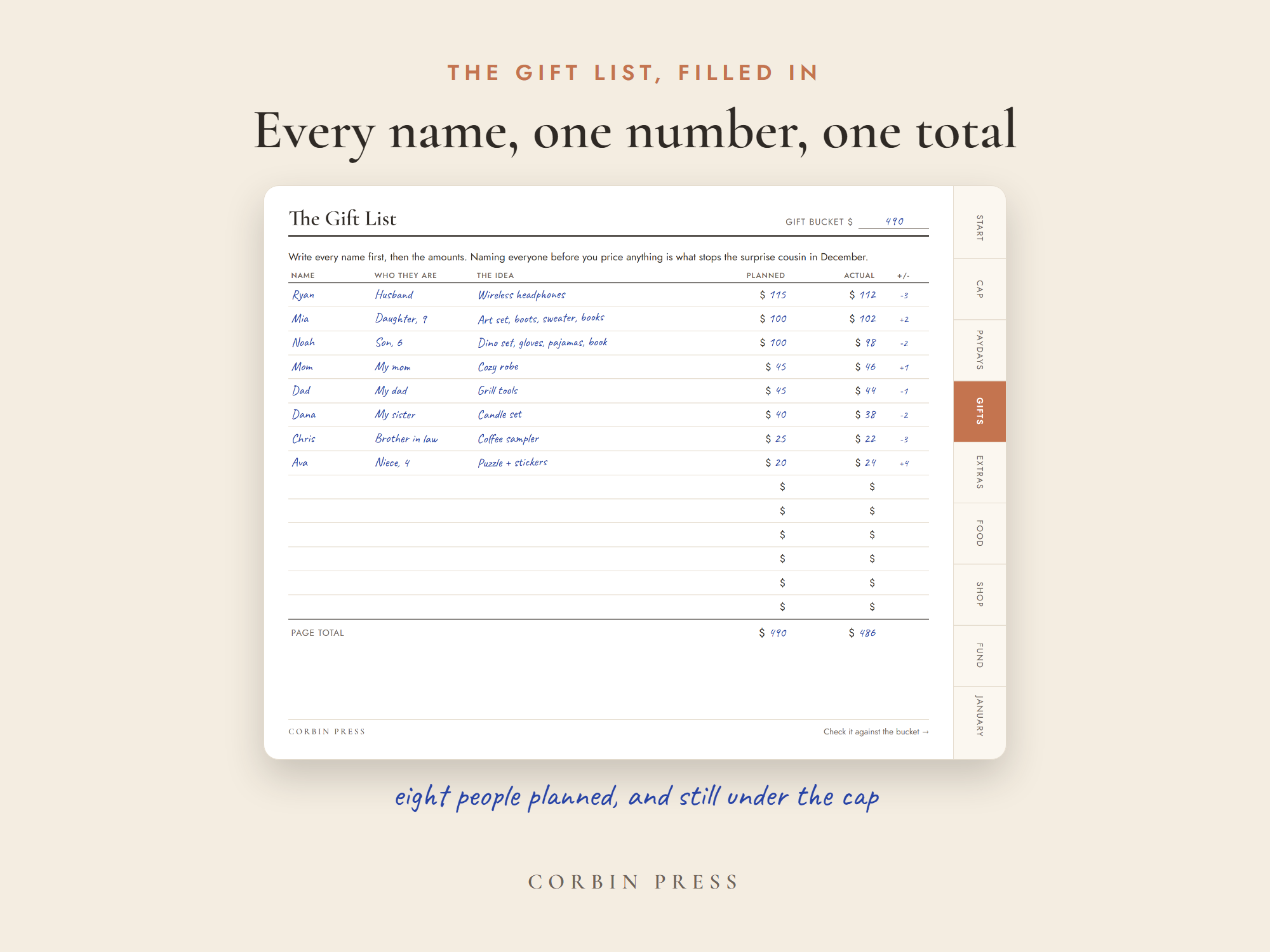
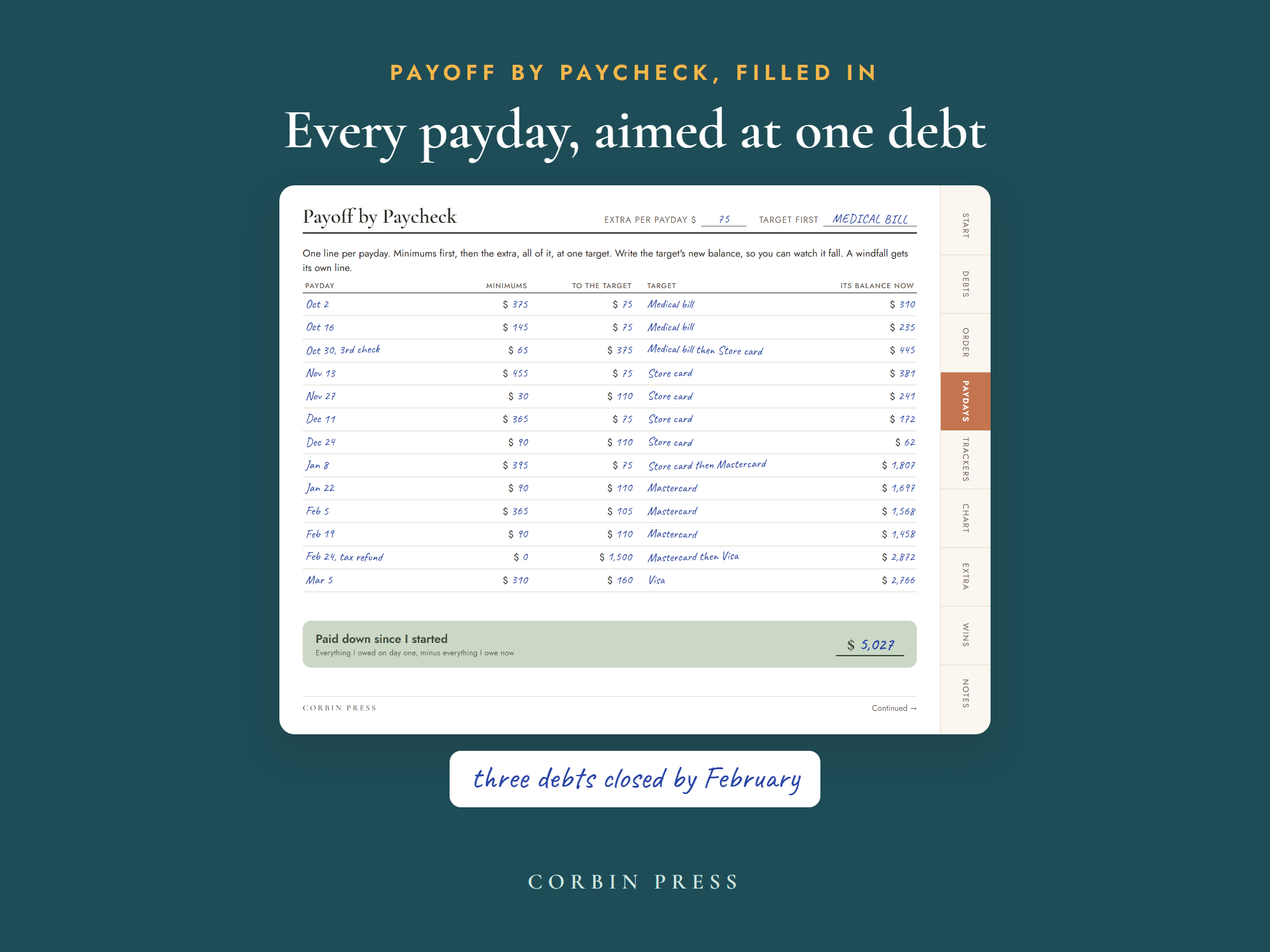
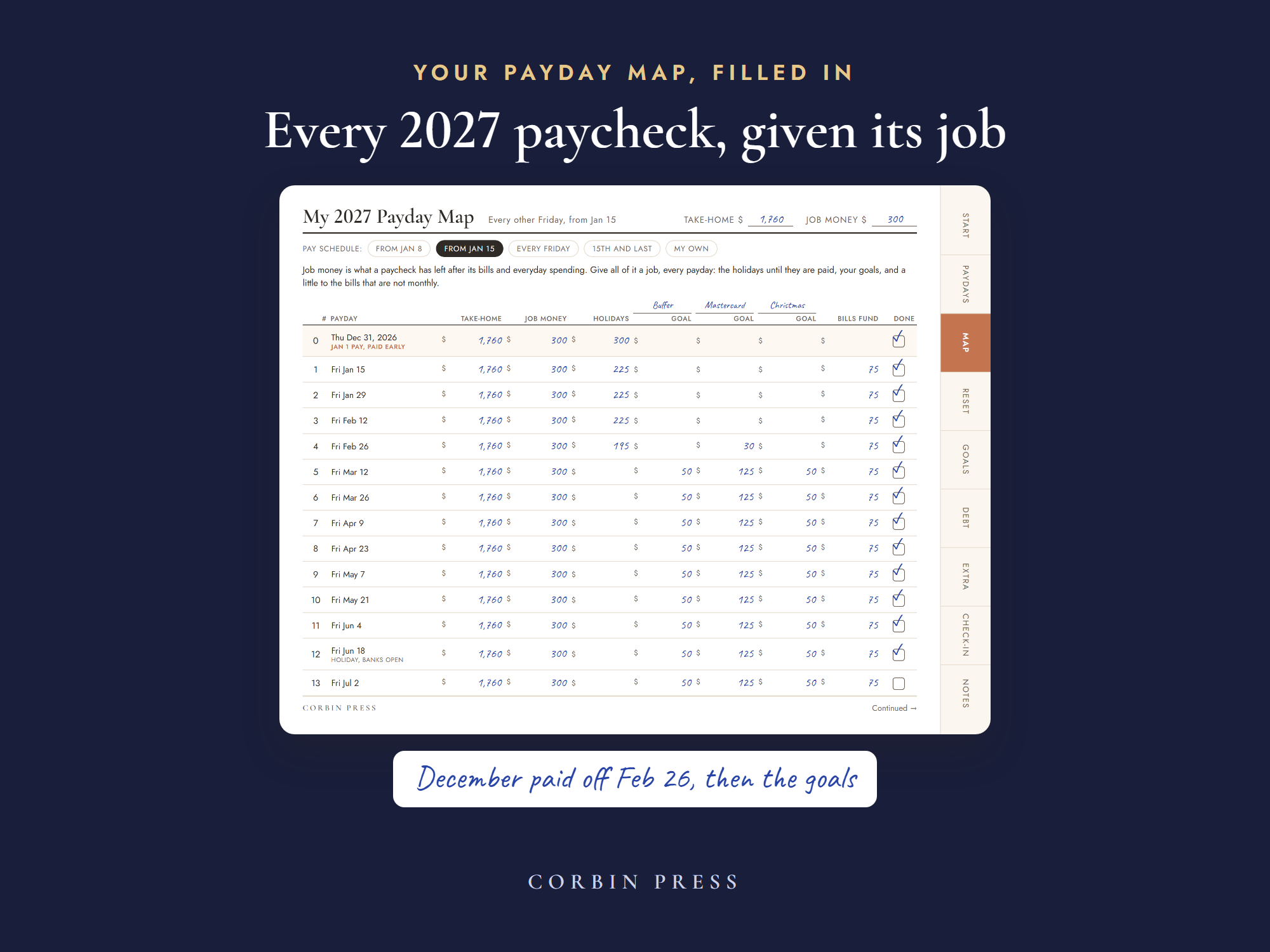
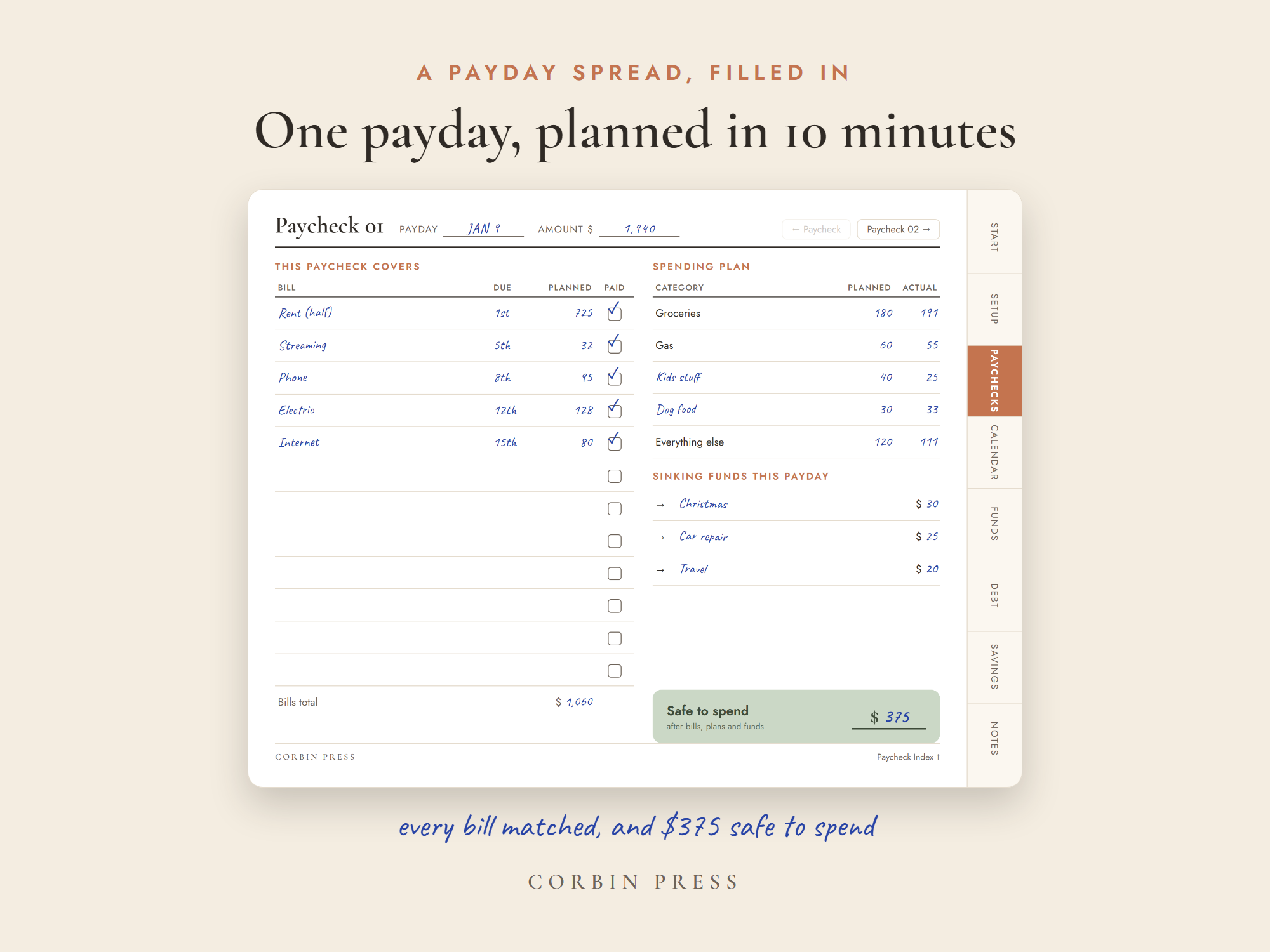
A working page of the full planner: payday, bills, and your safe-to-spend number. Digital or printed — standard US Letter. In your inbox in a minute.
That mismatch is the whole problem — and it is the one thing this planner is built to fix.
You get paid on the 5th and the 19th. Rent is due on the 1st. Car insurance hits on the 3rd, daycare on the 7th, the card wants something by the 12th. On paper the month adds up. In real life you are covering the 3rd with a paycheck that does not land until the 5th.
So you shuffle. Move a bill, float it on the card, promise yourself next month is the calm one. Then a month with three paychecks shows up — and disappears before you notice it was different.
Nothing is wrong with your budget. It is the calendar it is written on. A monthly budget assumes the money arrives on the 1st, in one piece. Yours arrives in halves, fourteen days apart.
Open the spread for the payday you just got. The bills due before the next one are already there, against that check. You stop budgeting a month you cannot see and start planning the fourteen days you are actually standing in.
Bills assigned, savings moved, sinking funds filled — what is left is a single number at the bottom of the page. That is groceries, gas, the coffee, the Target run. No mental math in the aisle, no opening the bank app three times before you buy something.
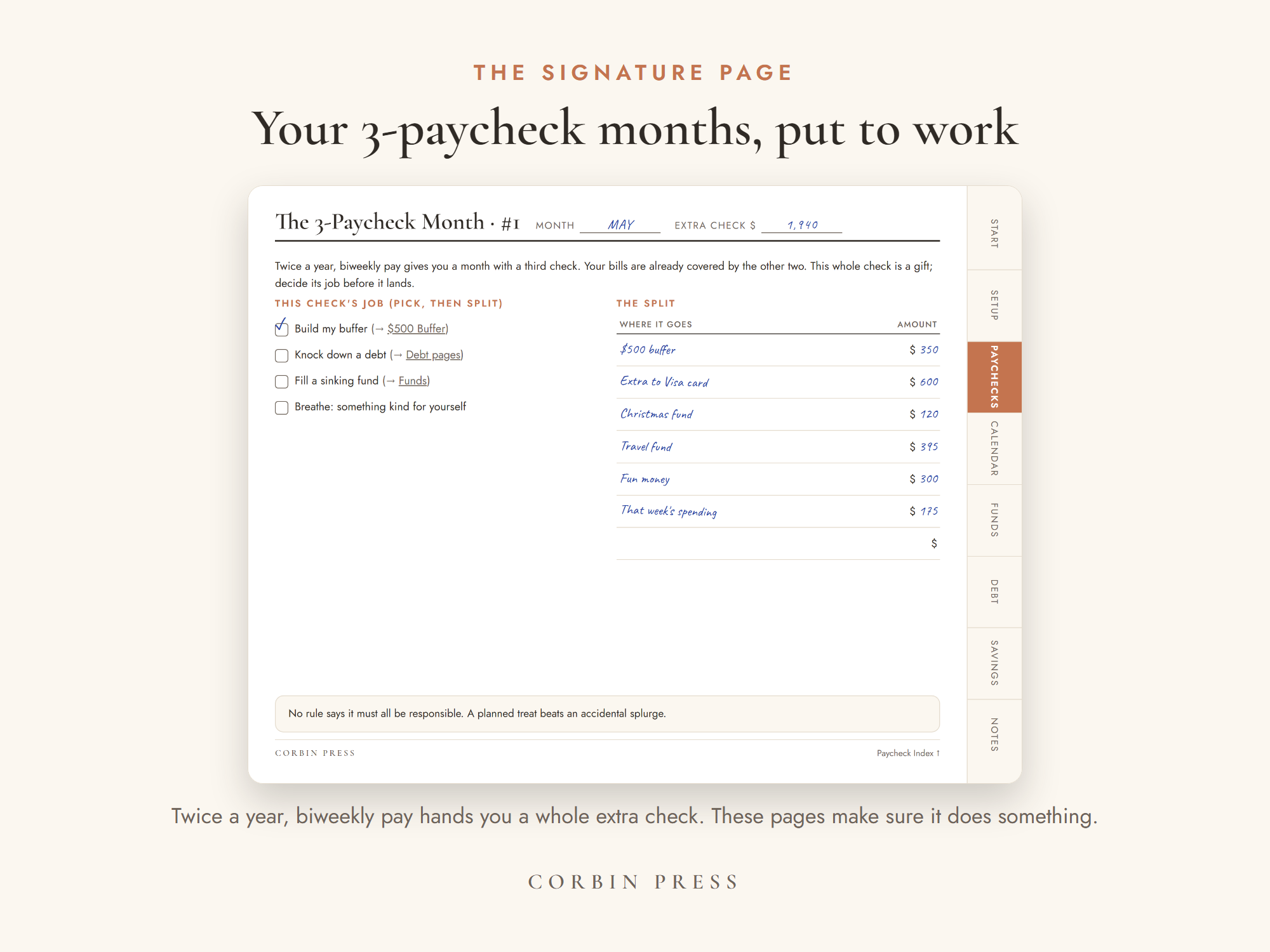
A little per payday, on the page, filling as you go — so the expense is paid for before it arrives. And twice a year a month hands you a third paycheck: the bonus pages catch it and give it a job before it quietly vanishes.
You do not set up a system. You plan one payday — the one you are in.
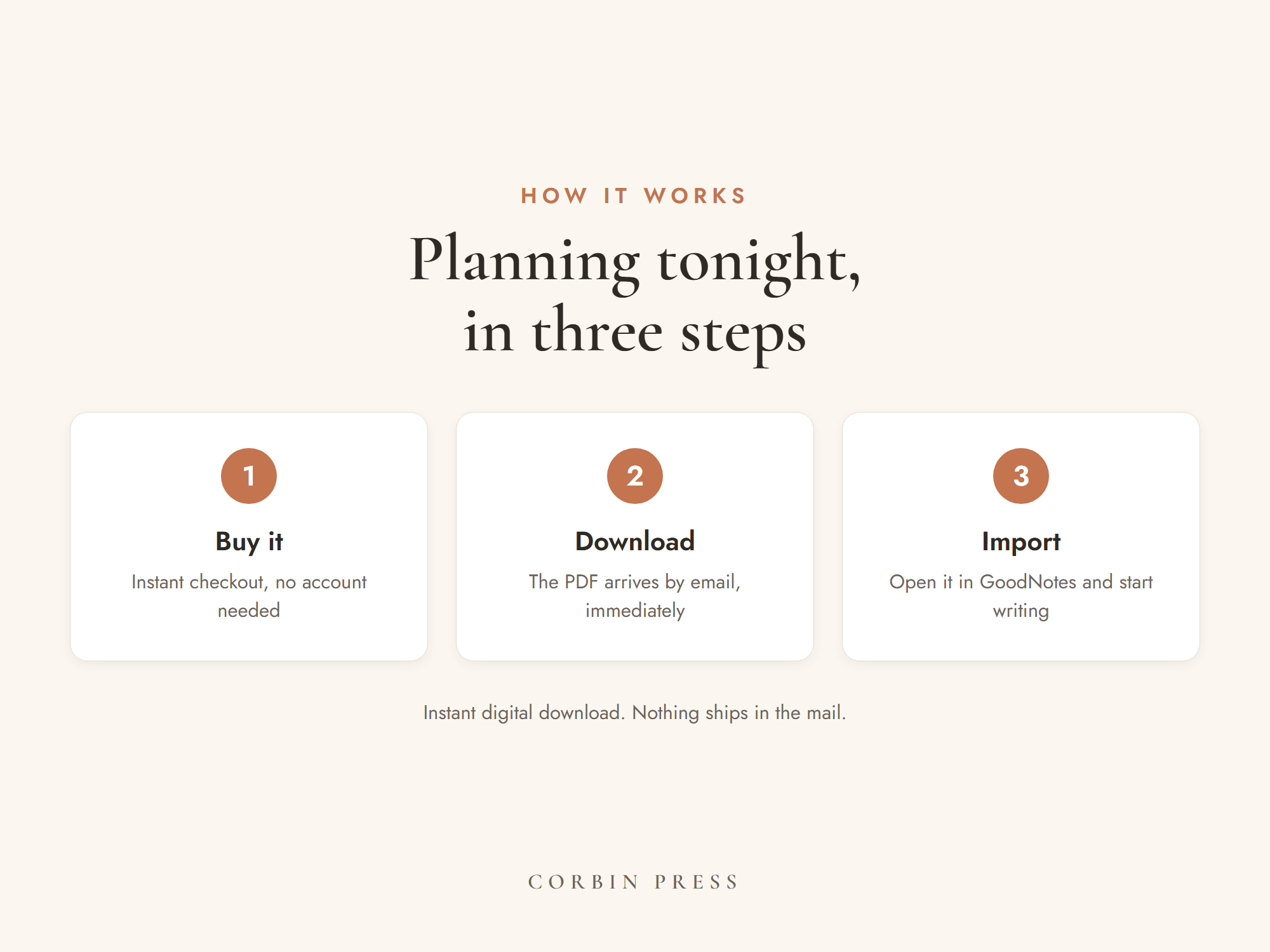
Download the PDF and open it in whatever you already use — GoodNotes, Notability, Noteshelf, Xodo, even Files or Books. The import guide inside takes about two minutes. Rather write by hand? Print it: it is standard US Letter, 8.5 × 11.
Just the one. List the bills due before your next check, move your savings, and read the number at the bottom.
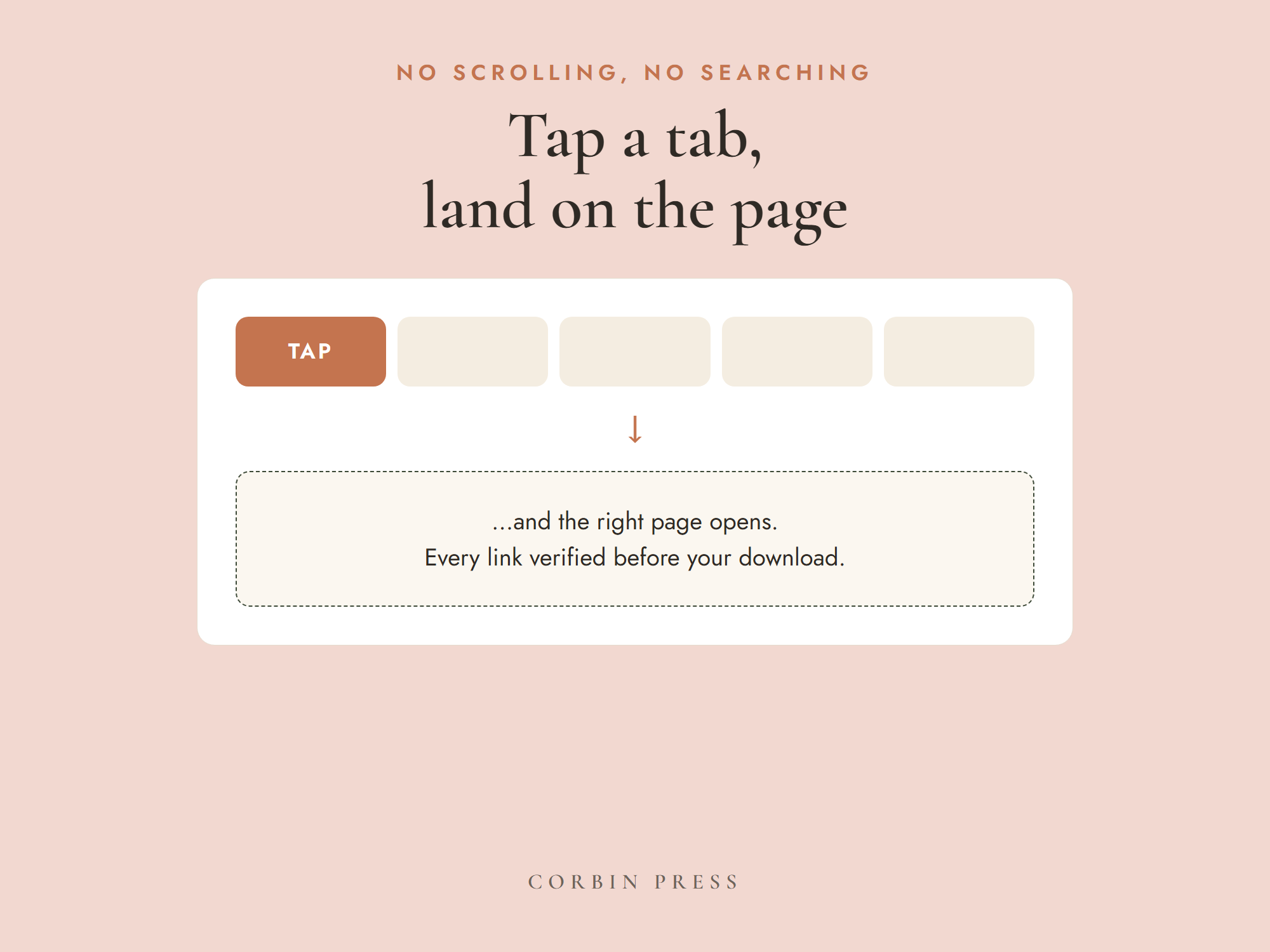
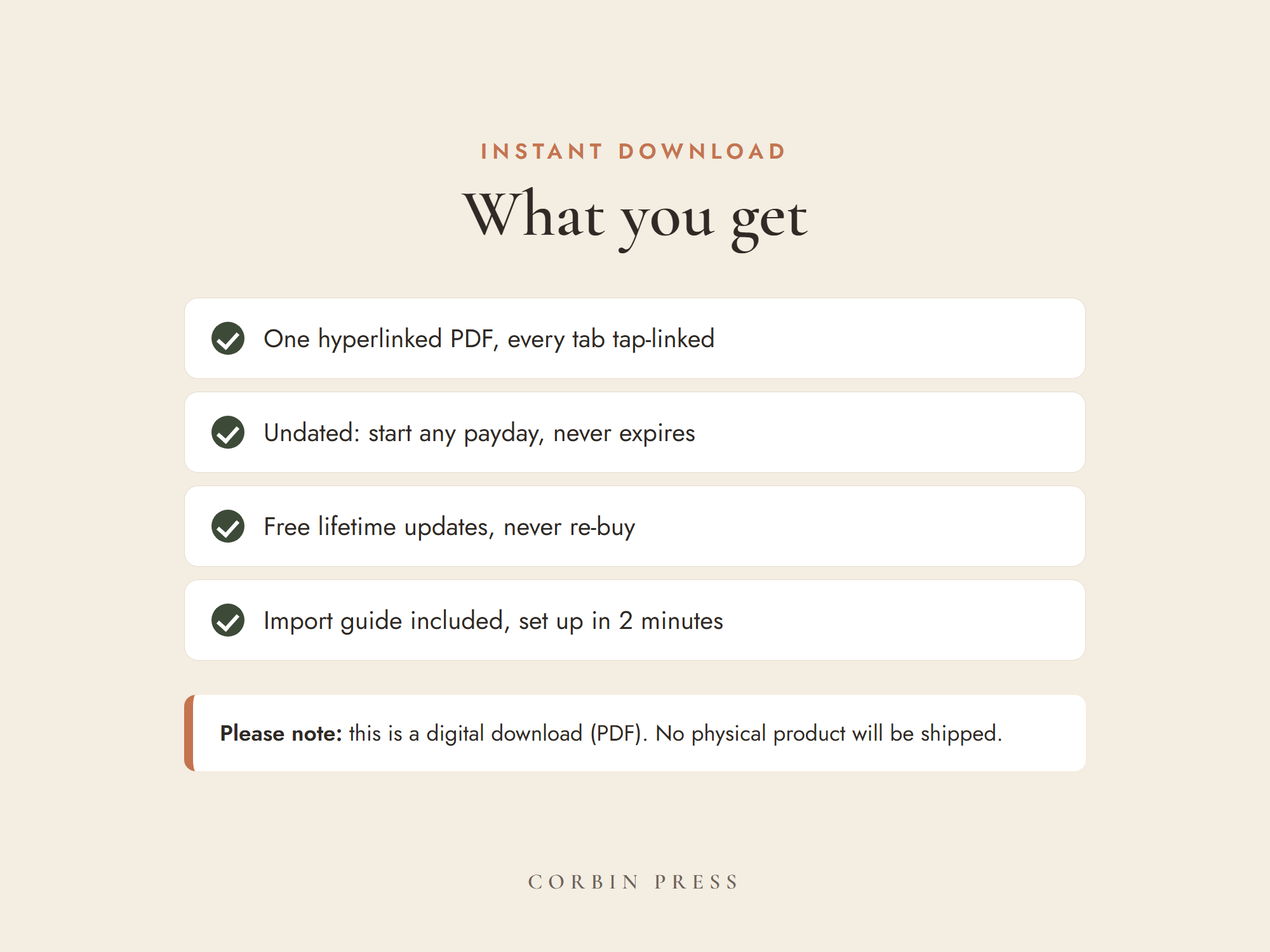
Every tab is linked, so the next payday is one tap away. No scrolling to find your page, no starting over in January.
No subscription. No account. No new app to learn — it opens in the PDF app you already have, and prints at home on standard US Letter. Download it and plan the paycheck you are in tonight.
Not sure yet? Take one real page of it free — the same page you would use tonight — and see if it holds.
No — and that’s the point. It’s a beautifully linked PDF. It opens in the PDF app you already have (GoodNotes, Notability, Noteshelf, Xodo, even Files or Books), and it prints at home on standard US Letter, 8.5 × 11. No subscription, no account, no server between you and your budget.
Instantly. Your download is on the screen the moment payment clears, every delivery is logged, and your link keeps working if you need the file again.
Every tab is placed by code and hand-checked before release — broken links are the #1 complaint about digital planners, so we have zero tolerance. If one ever misbehaves, email support@sweetpeadigital.com and it’s fixed the same week.
Simple: if you want a refund, email support@sweetpeadigital.com and we refund it — no hoops. If something in the file isn’t working, we’ll gladly fix it the same day, but the refund is always yours to take.