Home◆Seasonal Drop · Dated 2027◆2027 Money Reset Kit
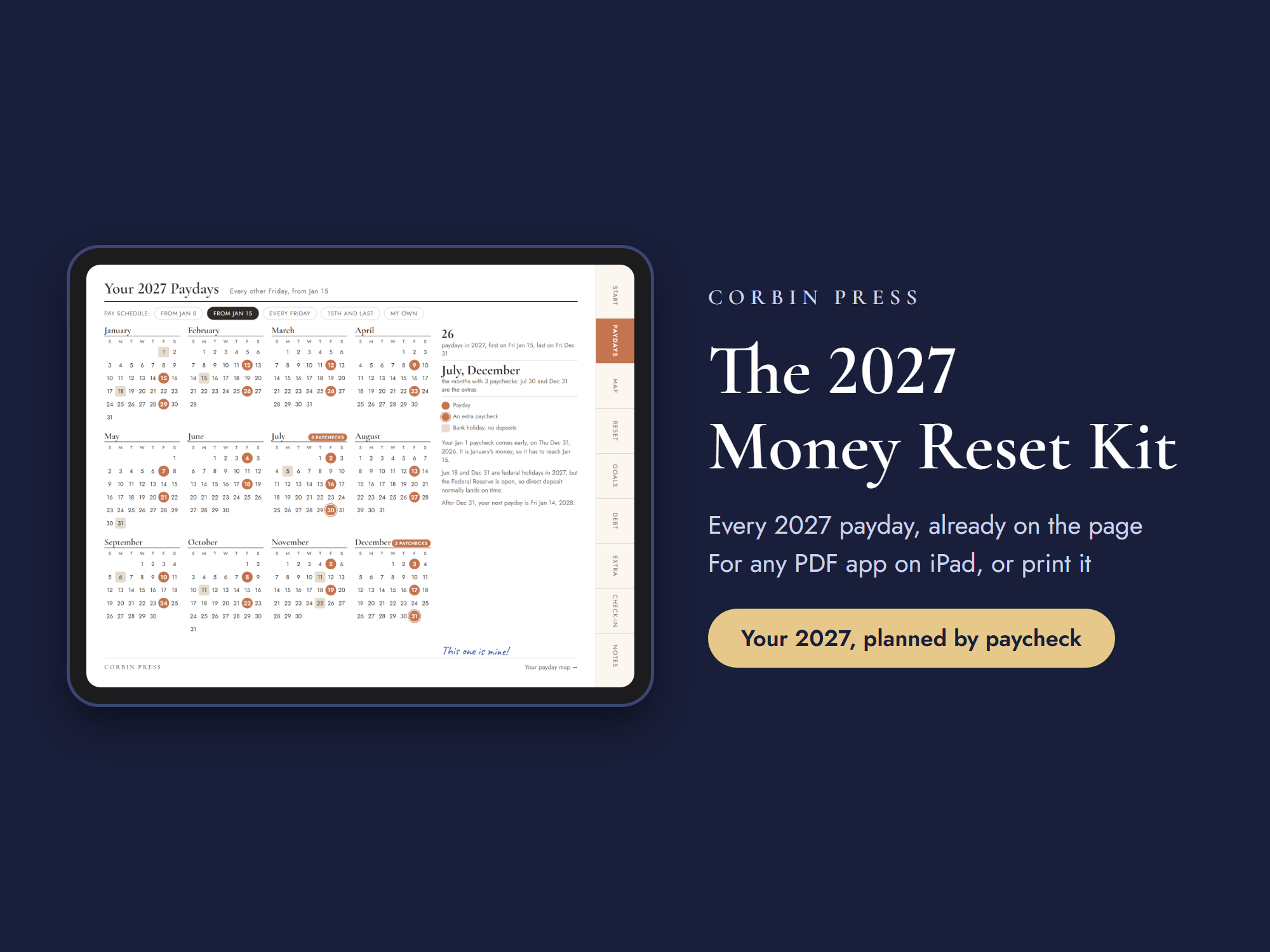
The 2027 Money Reset Kit open on an iPad at its 2027 calendar, every payday of the year already printed and the two 3-paycheck months marked.
1 / 9 · Cover
Reviews

From verified buyers

Launch week — the shelf is brand new.

Reviews appear here as the first buyers write them. Only verified purchases can review — no borrowed stars, ever.

Seasonal Drop · Dated 2027

The 2027 Money Reset Kit

Plan 2027 the way your money really arrives: one paycheck at a time. Every 2027 payday is already printed, whether you are paid every Friday, every other Friday or on the 15th and the last day. December’s balances are paid back first, and every goal is split into what each paycheck puts in. 38 dated pages for any PDF app, or printed at home.

$24Instant download · dated 2027, every payday already printed

Your files + receipt land here the moment payment clears.

Your details, protected
  • PayPal — one tap with your PayPal account. Nothing to type.
  • Pay by card — debit or credit, plus Apple Pay & Google Pay, in a secure checkout by Paddle, our payment partner.
  • Everything the card form asks for is required by them for secure processing — never by us. We can’t see or store any of it.

Guest checkout — no PayPal account needed · Instant download · Every delivery logged

What you get
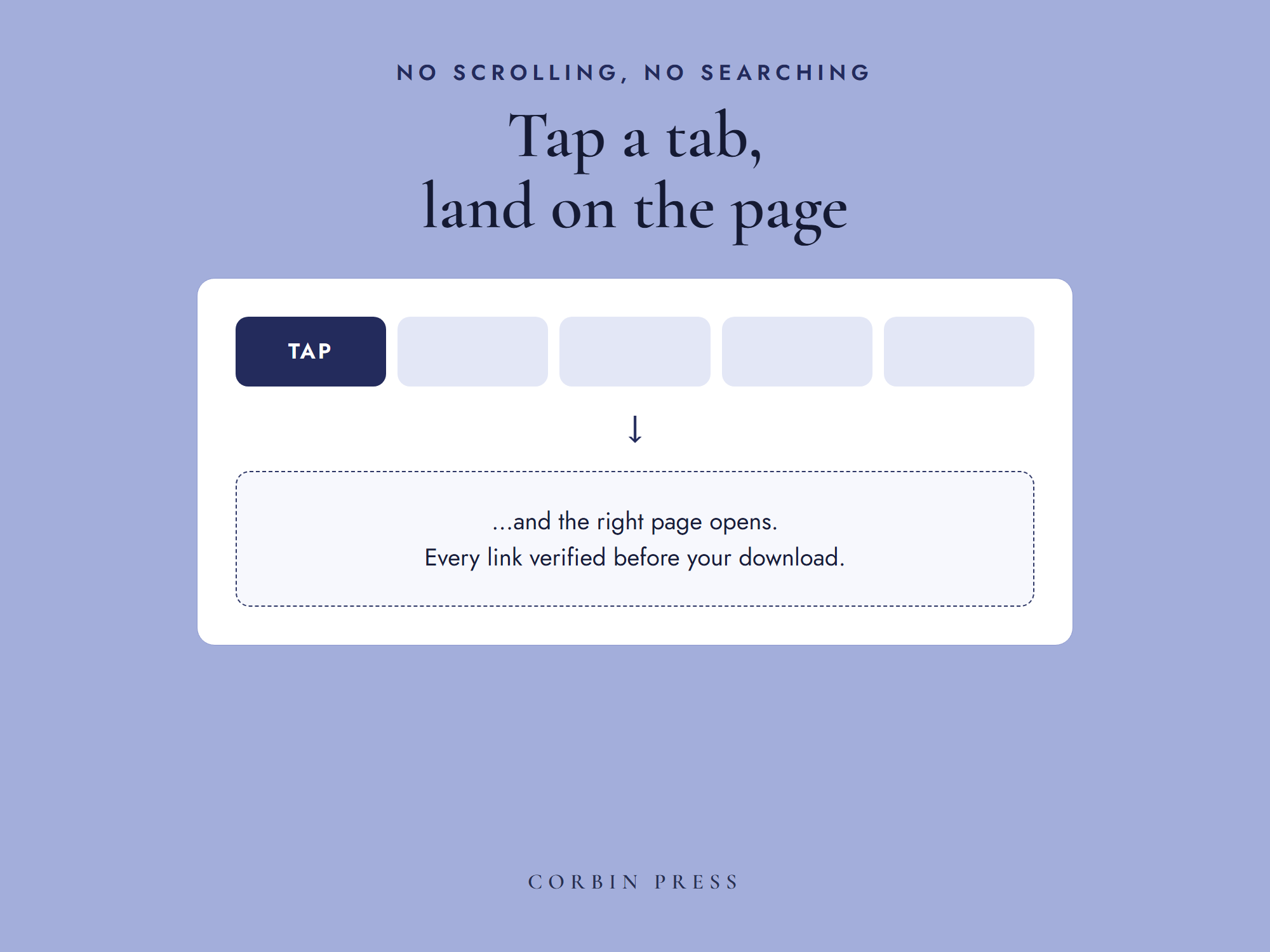
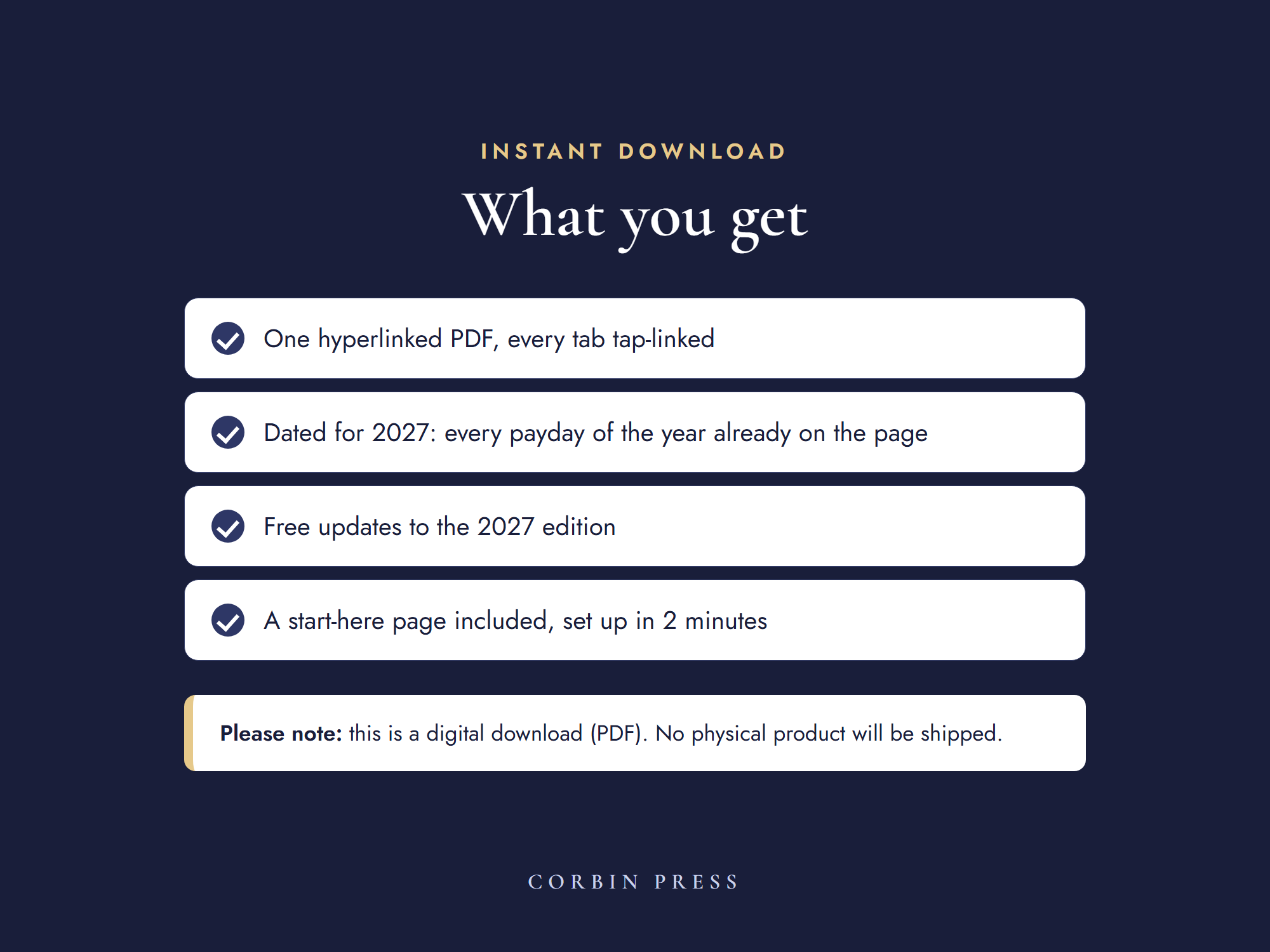
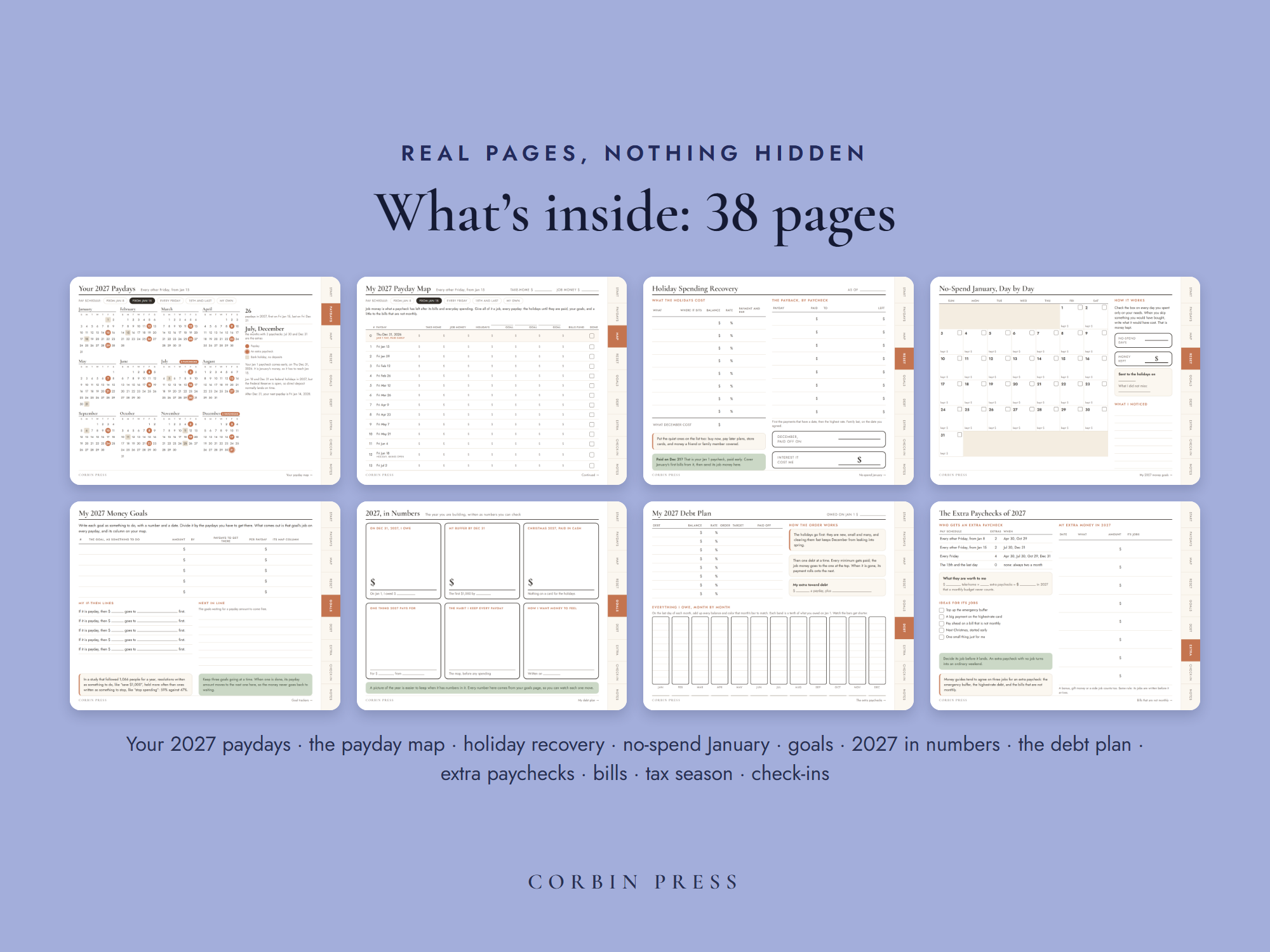
  • One hyperlinked PDF, 38 pages, every tab tap-linked
  • Every 2027 payday printed for four pay schedules, a blank one for any other, and your Payday Map
  • Holiday spending recovery and No‑Spend January, to pay December back first
  • Money goals with if-then lines, three goal trackers, the debt plan and 2027 in numbers
  • Extra paychecks, bills that aren’t monthly, tax season and the check-ins + free updates to the 2027 edition

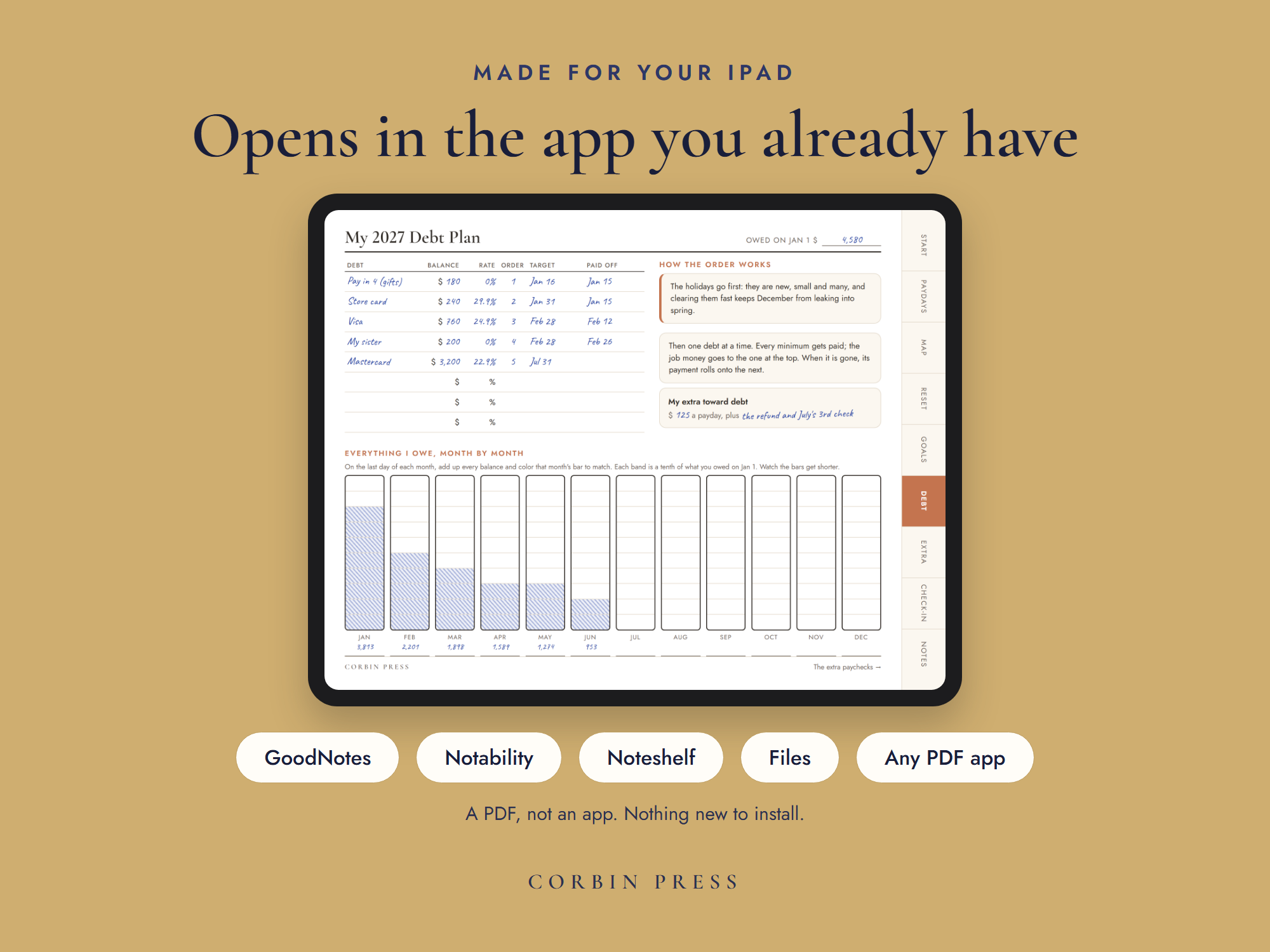
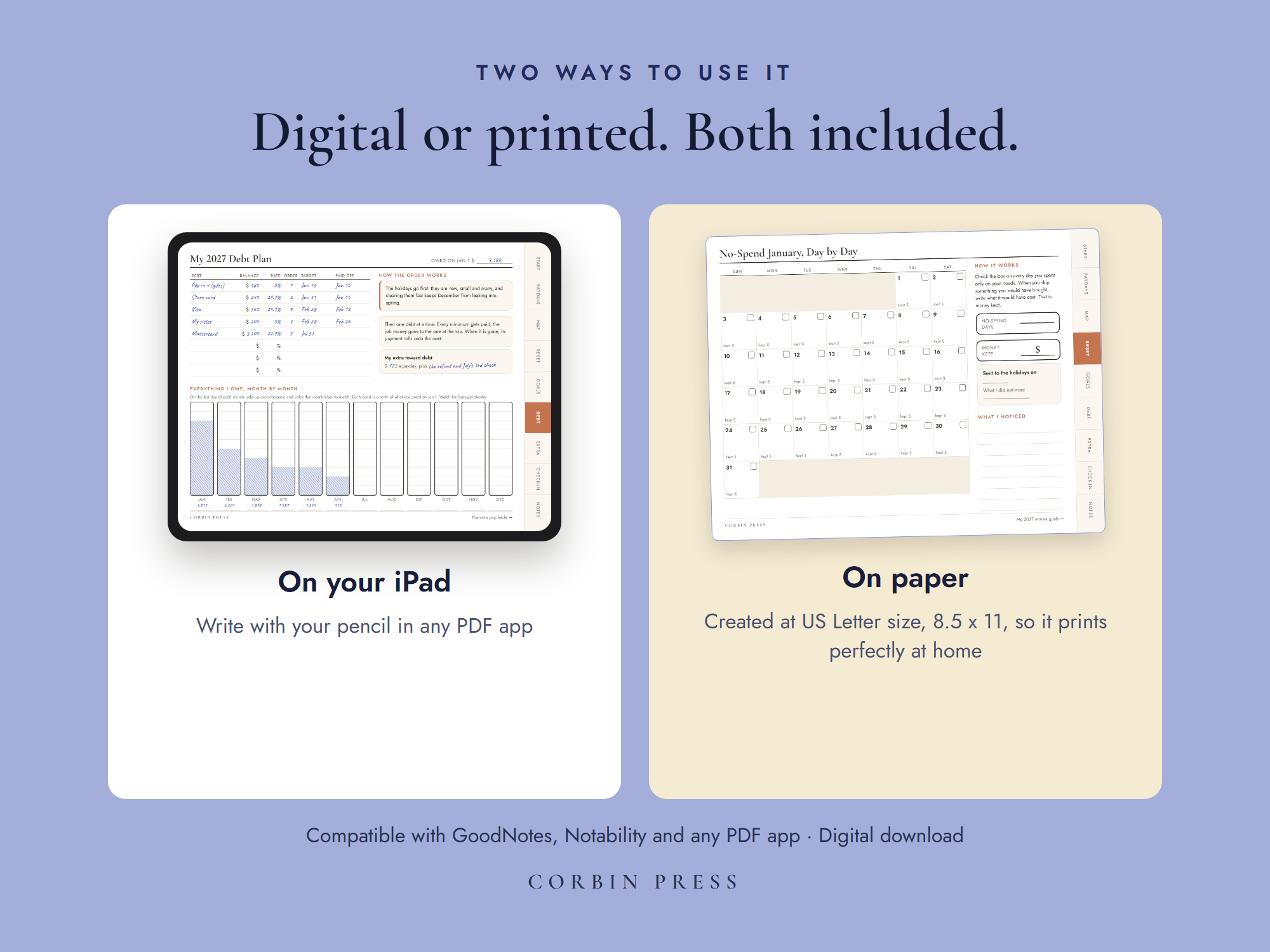
◐ Honest note: this is a PDF, not an app. It opens in the PDF app you already have — GoodNotes, Notability, Noteshelf, Xodo, even Files or Books — and it prints at home on standard US Letter, 8.5 × 11.

Try before you buy — free
The Holiday Spending Recovery Sheet

One working page of the 2027 Money Reset Kit: every holiday balance on one list, the quiet ones too, then the payback by paycheck, down to your payoff date. Digital or printed, standard US Letter. In your inbox in a minute.

Why this one works

A new year doesn’t reset your money. Your paychecks do.

Most 2027 planners give you twelve months. Your money arrives one paycheck at a time. This kit plans those paychecks, with every real 2027 payday already on the page.

January starts with a list

Pay off the holidays. Build a buffer. Finally save for the thing that matters. On January 1, all of it feels possible.

Then the first paychecks land, and the list has no say in where they go. The card wants its minimum, a buy now, pay later plan takes its next payment, a birthday shows up. The goals were written for a year. The money arrives two weeks at a time.

If that sounds familiar, you have company. In a LendingTree survey, 37% of people took on debt over the 2025 holidays, $1,223 on average. In a Wells Fargo survey, 64% said setting financial goals is easy and sticking to them is the hard part. It is not willpower. A yearly goal never gets told which paycheck is paying for it.

What changes the moment you open it

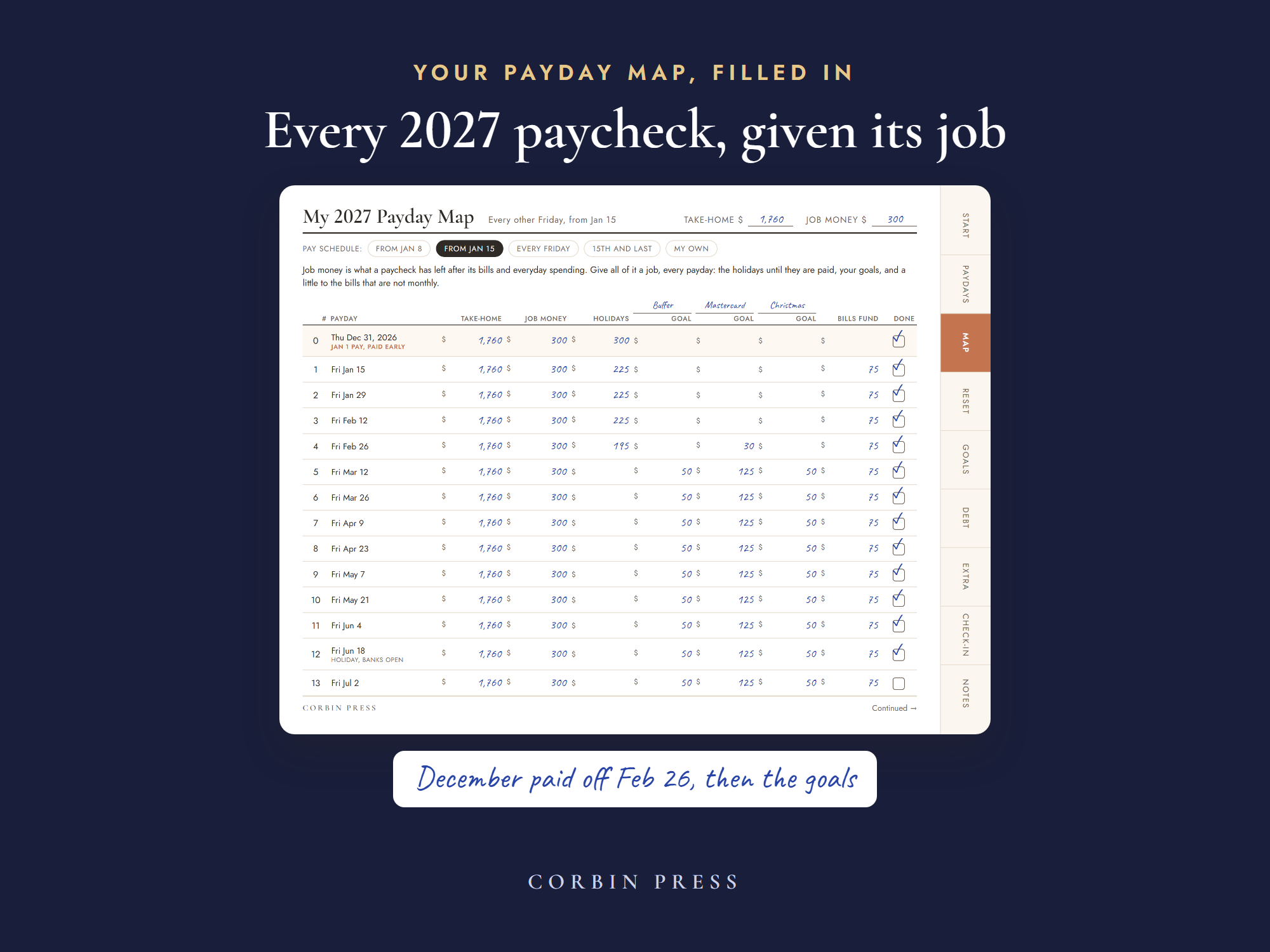
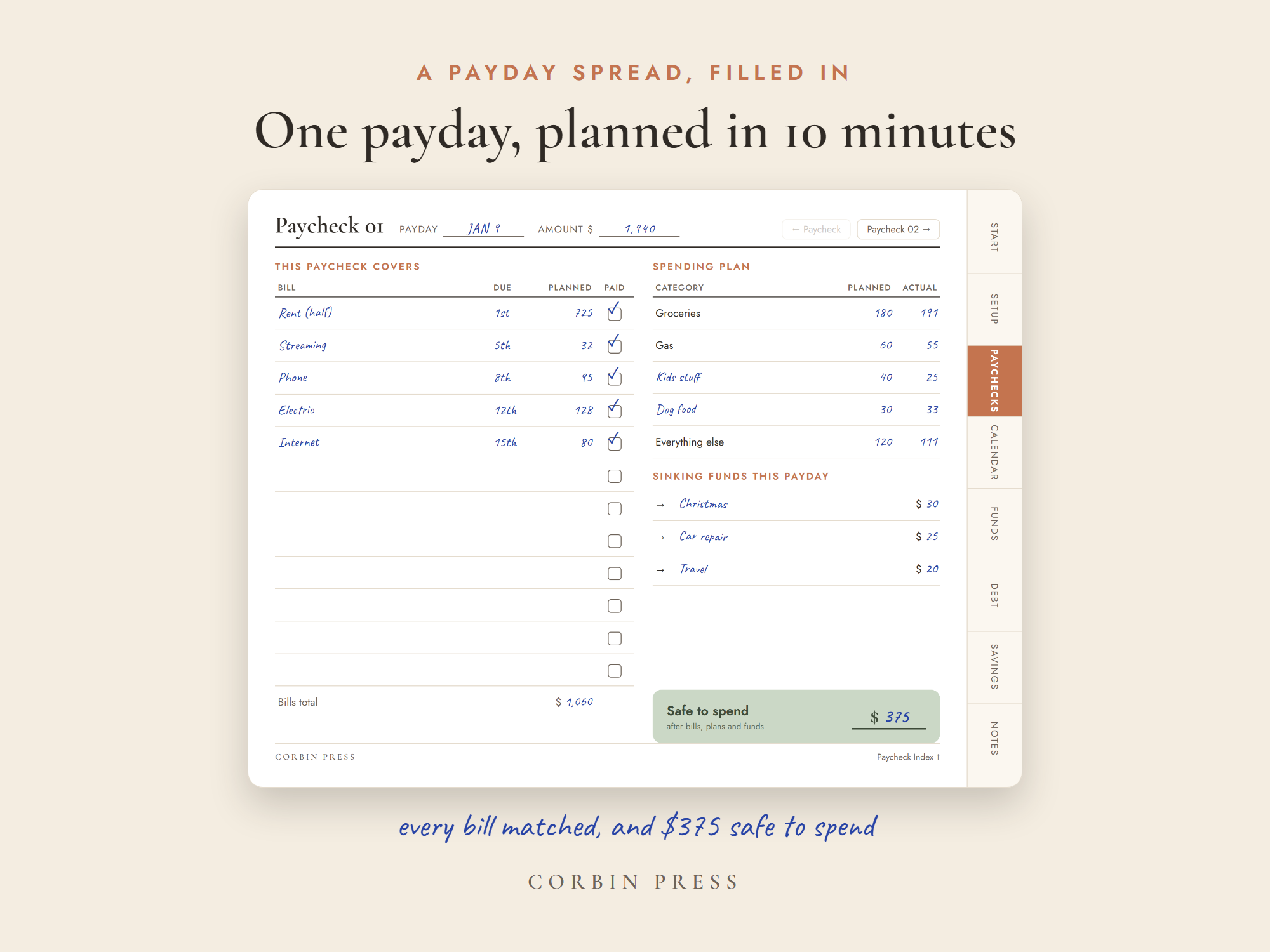
The Payday MapEvery paycheck of 2027, given its job

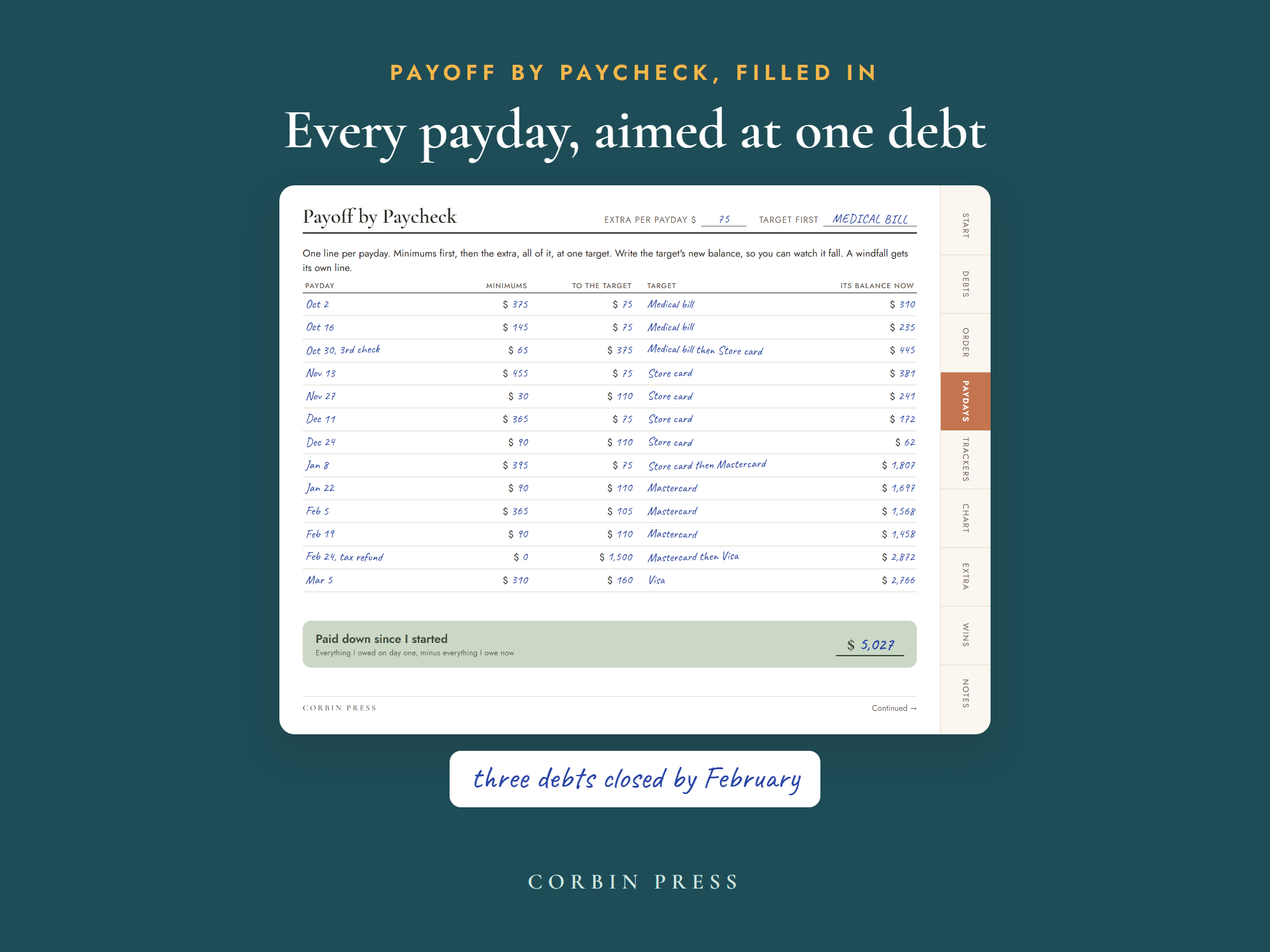
Your year as paydays, not months: one line each, with the date already written. Every line gives that paycheck’s money its jobs: December first, until it is gone, then each goal, with a little set aside for the bills that are not monthly. In our sample year, December’s $1,380 is paid off on February 26, and the goals take over on the next payday. You never plan a whole year again. You fill in the next payday.

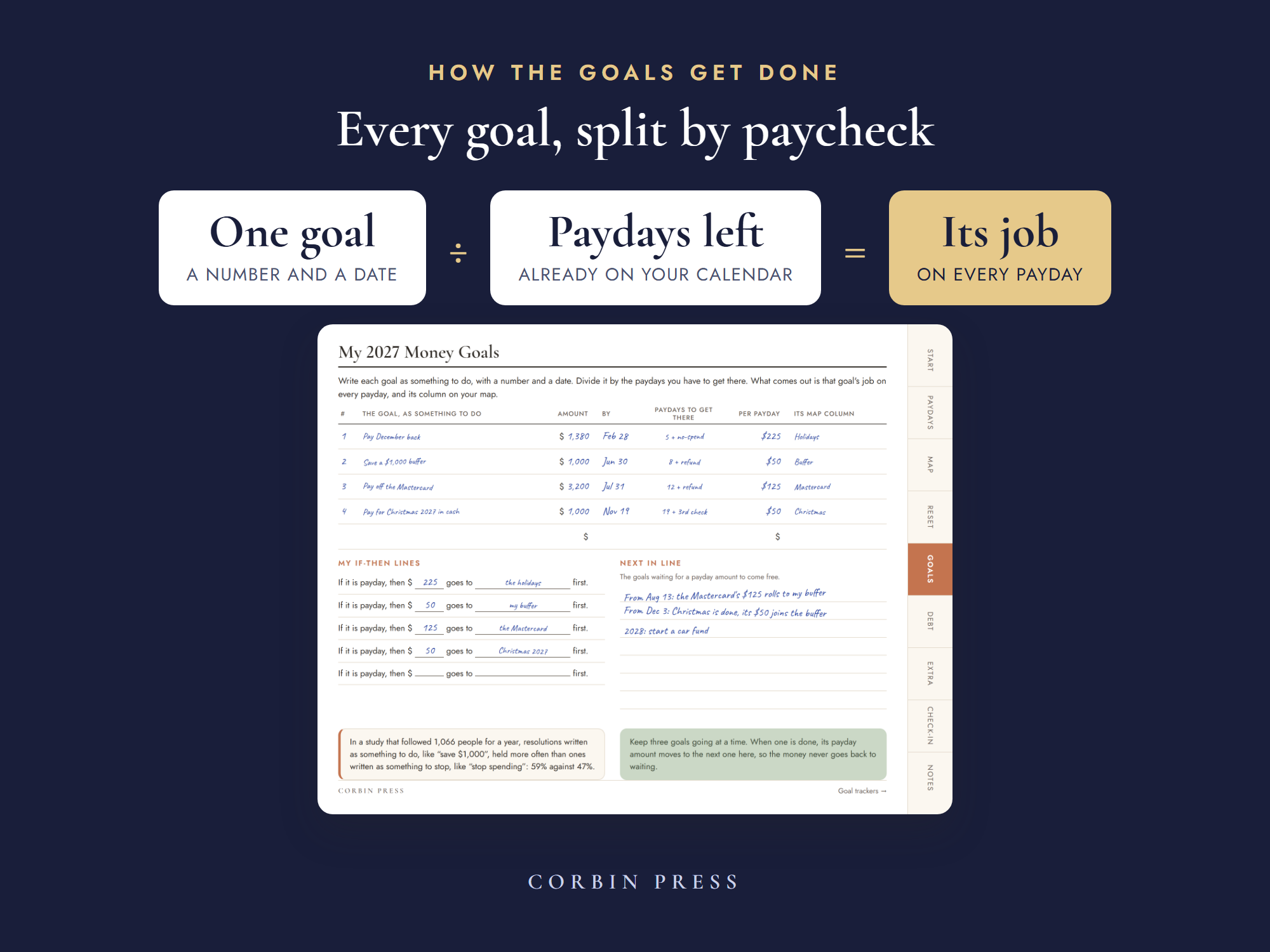
Goals, split by paycheckEvery goal knows which paychecks pay for it

Write each goal as something to do, with a number and a date. Divide it by the paydays you have to get there, and you know what every payday puts in. Goals written that way hold: in a year-long study of 1,066 people, resolutions to do something held more often than resolutions to stop something, 59% against 47%.

Dated for 2027The real dates, already worked out

Every 2027 payday is printed for four pay schedules, down to the ones a holiday moves, with a blank calendar for any other. The months that bring a third paycheck are marked before they arrive, and the Jan 1 paycheck that lands early on Dec 31 is flagged as January’s money, not a holiday bonus.

Your first evening with it

You do not plan a whole year tonight. You plan the next payday.

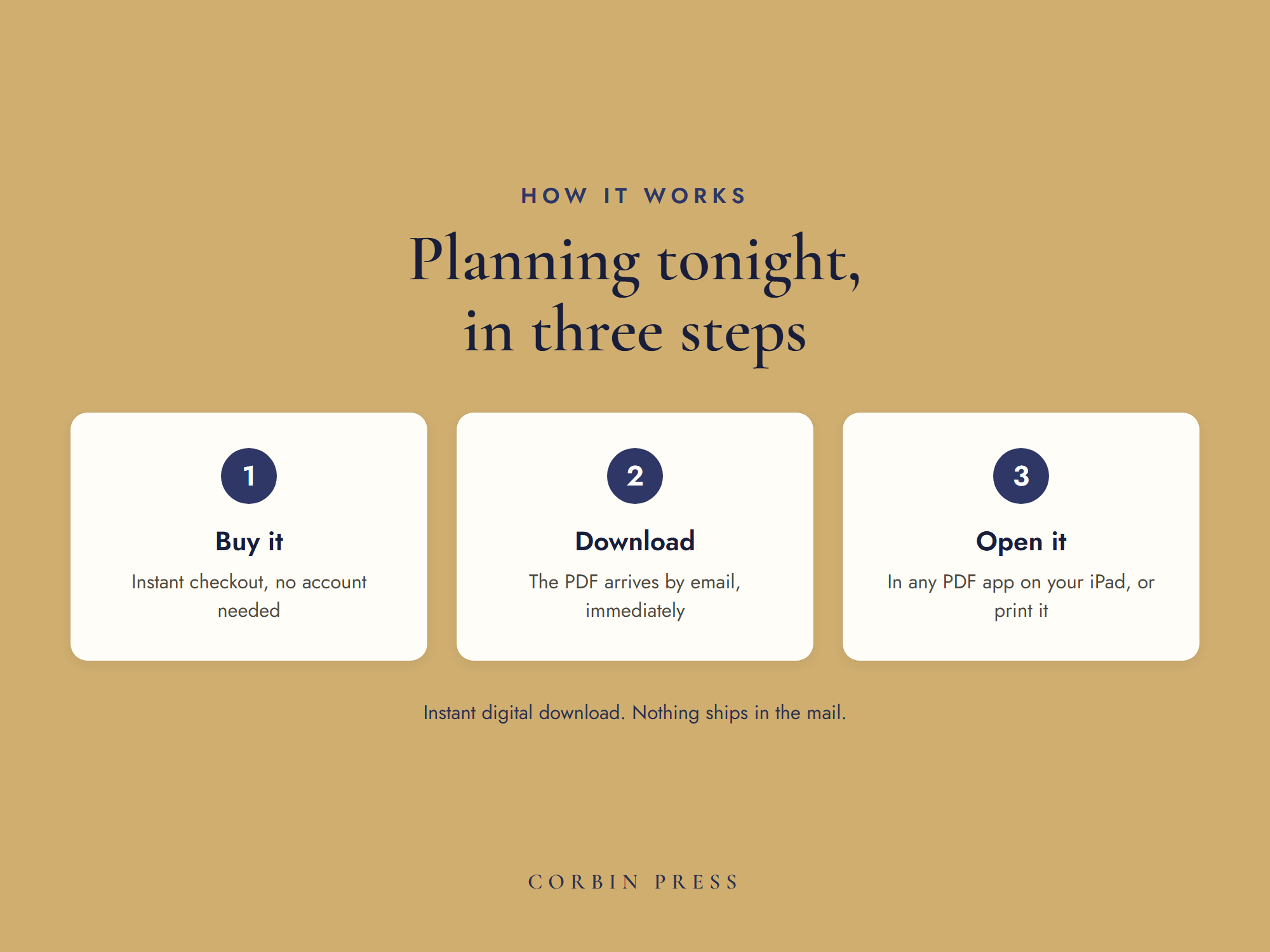
  1. 1
    Find your paydays

    Open the PDF in the app you already have (GoodNotes, Notability, Noteshelf, Xodo, even Files or Books), or print it on US Letter. Pick how you are paid on the Find Your Paydays page, and it takes you to your 2027 calendar and your map.

  2. 2
    Pay December back

    Write down what the holidays cost, the quiet balances too, then hand them to your first paychecks of 2027: payments with a date first, the highest rate next.

  3. 3
    Give the next payday its job

    Fill in one line of your Payday Map. Then the next payday, and the one after. That is the whole system.

Why January resets keep breaking

This kitA month-first 2027 planner
The unitPaydays, each with its jobTwelve monthly budgets
Your paydaysEvery one printed, holidays includedA blank page that says paycheck
DecemberPaid back first, with a payoff datePlanned before the holidays, never after
Your goalsSplit into what each payday puts inA list for the year
3-paycheck monthsMarked before they land, with a jobNever counted
The yearReal 2027 paydays and dates inside2027 on the cover

Your first paycheck of 2027 is closer than it looks

For many people it lands on December 31. Give it its job before it arrives. It is one PDF: no subscription, no account, no new app. Open it in the PDF app you already have, or print it at home on US Letter.

Not sure yet? Take the Holiday Spending Recovery Sheet free. It is the kit’s own recovery page, and it starts working on your very next paycheck.
Good questions

Before you ask

Is this an app?

No. It is a PDF you open in the app you already have: GoodNotes, Notability, Noteshelf, Xodo, even Files or Books. Rather use paper? It prints at home on standard US Letter, 8.5 × 11.

How do I know which paydays are mine?

The Find Your Paydays page settles it in a minute. Pick how you are paid: every other Friday (one of your November or December deposits tells you which of the two cycles is yours), every Friday, the 15th and the last day, or a blank schedule for anything else. It sends you straight to your 2027 calendar and your map.

I am paid monthly, or on another day.

Use the blank schedule. Circle your own paydays on the blank 2027 calendar and write them on the blank map. Everything else in the kit works the same.

What if my employer moves a payday?

Some do, especially around holidays, so trust your own deposits over any list. Cross out the date and write yours in. The plan follows your real paydays.

Why is it dated?

Because the dates are the work. Every 2027 payday, the holidays that move a deposit, the months with a third paycheck and the tax dates are already worked out and printed. It is made for 2027, and it says so on the cover.

What if I don’t have holiday debt?

Then skip the recovery page and give your first paycheck to your goals. Holiday Spending Recovery is one page of 38.

When do I get it?

Instantly. Your download is on the screen the moment payment clears, and the link comes by email too. Nothing ships in the mail.

What’s the refund policy?

Simple: if you want a refund, email support@sweetpeadigital.com and we refund it, no hoops. If something in the file isn’t working, we’ll gladly fix it the same day, but the refund is always yours to take.

Keep going

You may also like